Skip to content

Engage 365

Menu with SVG Icons
Engage365
  • Engage 365
  • MSP Products & Services ▾
    Xelion Office365 Engardian Fireguard Networking Wifi as a Service User Support Digitisation Projects CCTV Support Vertical Printing Office Printing Sublimation Printers Hand Held Printers
  • Become a Partner ▾
    Xelion IT Services
  • Request a Demo
  • About
  • Say Hello

Knowledgebase

Tickets

Office 365

More Than Office 365. A Digital Partner.

Engage365 Solutions (Pty) Ltd is a Microsoft Authorised Reseller, but what we do goes far beyond simply supplying licences. We don’t “drop a box at your office” and disappear. When you appoint Engage365, you gain a digitisation partner — a team that builds long-term relationships and helps your business succeed in today’s fast-moving technology landscape.
 
Many organisations believe that Microsoft 365 is just Word, Excel, PowerPoint, Outlook, Teams for meetings, and OneDrive for file storage. While those tools are important, they only scratch the surface of what the platform is truly capable of.
 
Microsoft 365 is a powerful, fully integrated business platform designed to help organisations work smarter. It enables improved internal processes, standardisation across teams, better collaboration and communication, structured planning, workflow automation, approvals, reporting, and so much more — all included from a standard Business licence upwards.
 
The challenge isn’t the technology. The challenge is knowing how to use what you’re already paying for.
 
That’s where we come in.
We help our clients realise the full value of Microsoft 365 by identifying opportunities to streamline operations, reduce manual work, and build workflows that actually support how their business operates. When implemented correctly, the platform becomes a central hub for productivity, visibility, and control — not just a set of disconnected apps.
 
We also make use of the Microsoft Power Platform to build tailored, practical solutions where off-the-shelf tools aren’t enough. From automated processes and approval flows to custom apps and reporting, we design solutions that fit your organisation — not the other way around.
 
If you’re already using Microsoft 365, you may be surprised by how much untapped potential exists within your environment.
 
Book a demo with Engage365, and we’ll show you what Microsoft 365 is really capable of — and how to turn the platform you already own into a system that works for your business.
 
Below are some of the key Microsoft apps and solutions we implement for our clients to improve daily operations, drive consistency, and establish a professional, standardised digital workplace


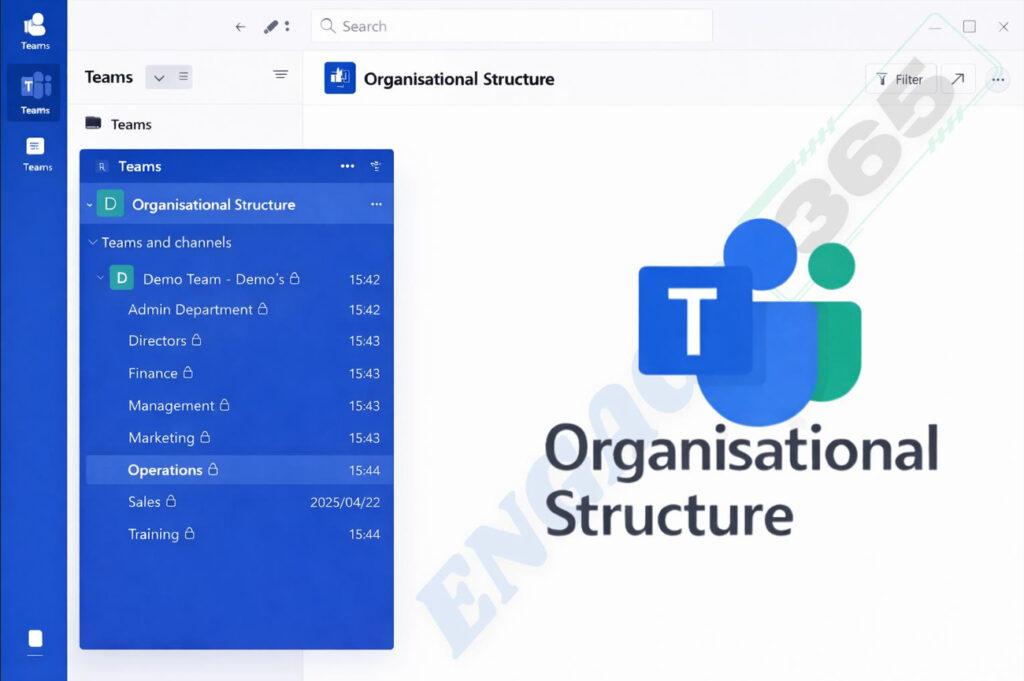
Organisational Structure

Company Structure & Organisational Design

Do you have a clearly defined company structure or organisational chart — and does your digital environment actually reflect it?

At Engage365, we help you design and implement a regulated, well-structured Microsoft Teams environment that mirrors how your organisation operates. This starts with clearly defined internal departments, each created with a clear purpose, ownership, and way of working.

  • Every department is built around:
  • A consistent structure
  • Agreed standards on how Microsoft Teams is used
  • Clear roles and responsibilities
  • Defined security and governance processes

This structured approach forms a key part of your company standardisation journey. It brings clarity across the organisation, supports consistent ways of working, and helps ensure everyone understands where they fit and how work flows within the business.

By aligning your organisational structure with your digital workspace, we help lay a solid foundation for scalability, governance, and future process improvement.

Teams File Structure - SharePoint
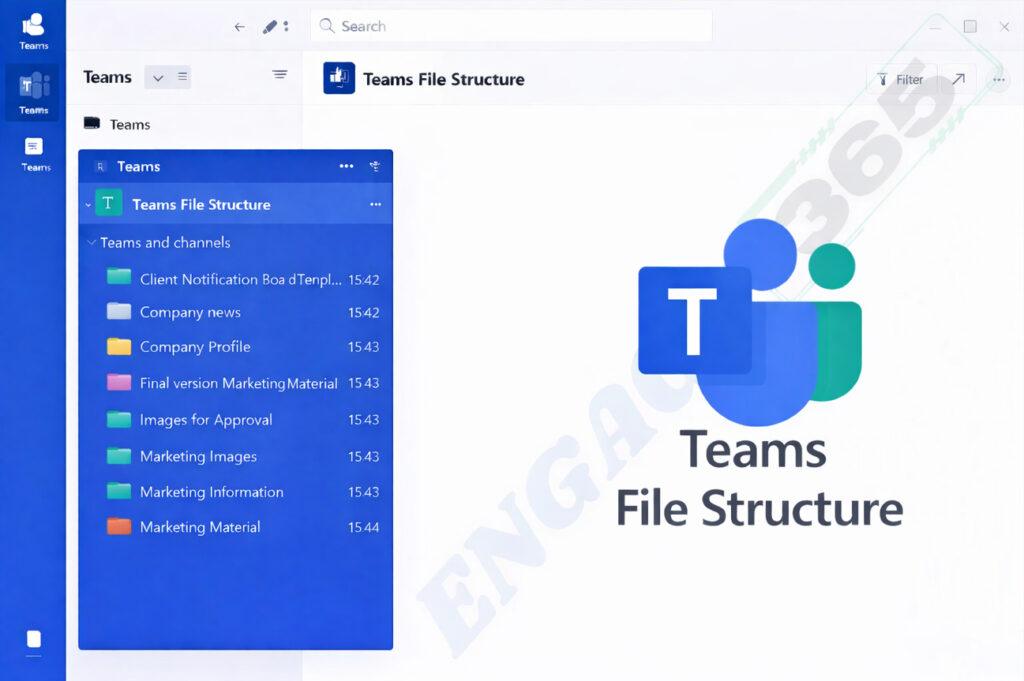
Departmental File Structure & Information Management

A well-structured organisation needs an equally well-structured way of managing information.
 
At Engage365, we design departmental file structures that align directly with the organisational structure we have built for your business. Each department receives a clearly defined, standardised file structure tailored to the company’s needs and the way your teams work.
 
This means:
  • Everyone knows exactly where to find information
  • No duplication of documents
  • A single source of truth for company files
  • Consistent document standards across the organisation
 

We implement standard document templates so that files with the same purpose look and function the same, regardless of who created them or which department they belong to. This removes confusion, improves professionalism, and ensures consistency across your business.
 
Collaboration becomes seamless. Teams work together in shared structures rather than emailing or manually sharing documents back and forth. All authorised users have instant access to the latest version of documents — whether they are working from the office, remotely, or on a mobile, laptop, or desktop device.
 
Security and information protection are built into the design from the start. When implemented correctly, this structured approach supports POPIA and ISO compliance requirements, ensuring that information is accessed only by those who are authorised to do so and handled according to best practice.
 
To further protect your business, we can also implement additional backup and data protection solutions, giving you peace of mind that your information is secure, recoverable, and protected against data loss.
 
By creating a clear, standardised file structure, we help organisations improve efficiency, reduce confusion, strengthen information security, and create a more productive digital workplace.

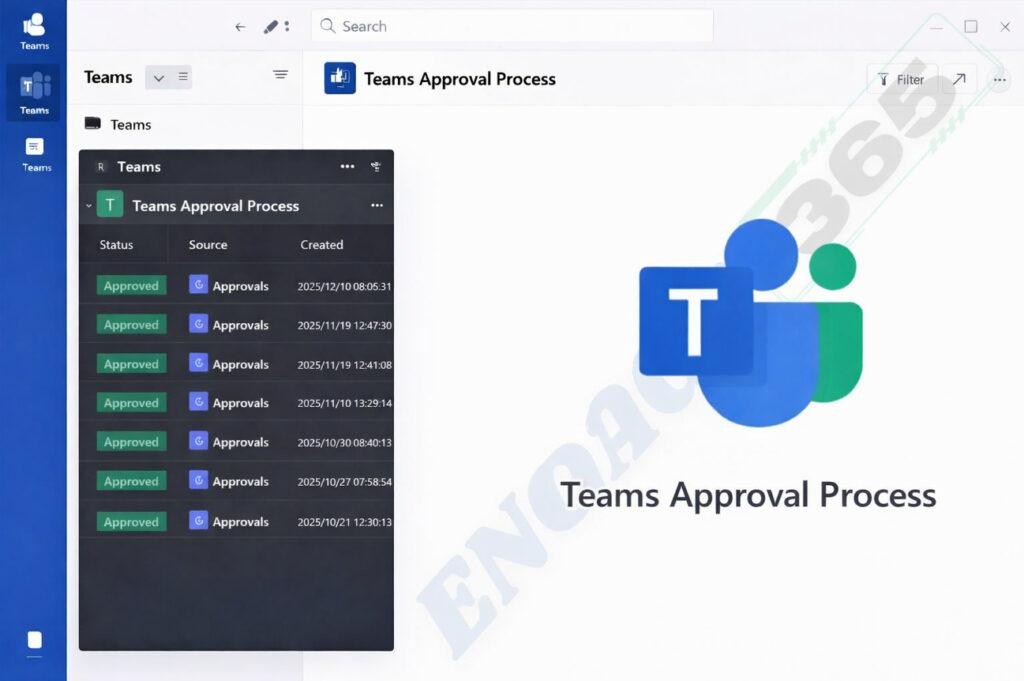
Teams Approval Process

Teams Approval Processes & Workflow Automation

How are approvals handled in your organisation today?
Are they still managed through manual processes, emails, or spreadsheets?
Do multiple people need to approve the same request, creating delays and confusion?
 
At Engage365, we help organisations streamline and automate approval processes using Microsoft Teams and the Microsoft 365 platform. By implementing structured approval workflows, we remove unnecessary manual steps and create clear, auditable processes that work consistently across the business.
 
We design approval processes for common operational needs such as:
  • Reimbursements
  • Petrol and slip claims
  • Leave applications
  • Travel and expense requests
  • Internal documentation approvals

Approvals are routed to the right people, in the right order, with full visibility on status and outcomes. No more chasing emails or wondering where a request is stuck.
 
For legal and formal documentation, approval workflows can be integrated with DocuSign, Adobe Sign, or SharePoint eSignatures, ensuring documents are signed securely and backed by a full audit trail for legal and compliance purposes.
The result is a process that is efficient, transparent, and easy to use — for both employees and management.
 
By making approval processes structured and automated, we help organisations reduce delays, improve accountability, and create a smoother, more professional way of working.
 
Let us help you turn approvals into a simple, efficient, and painless part of your daily operations

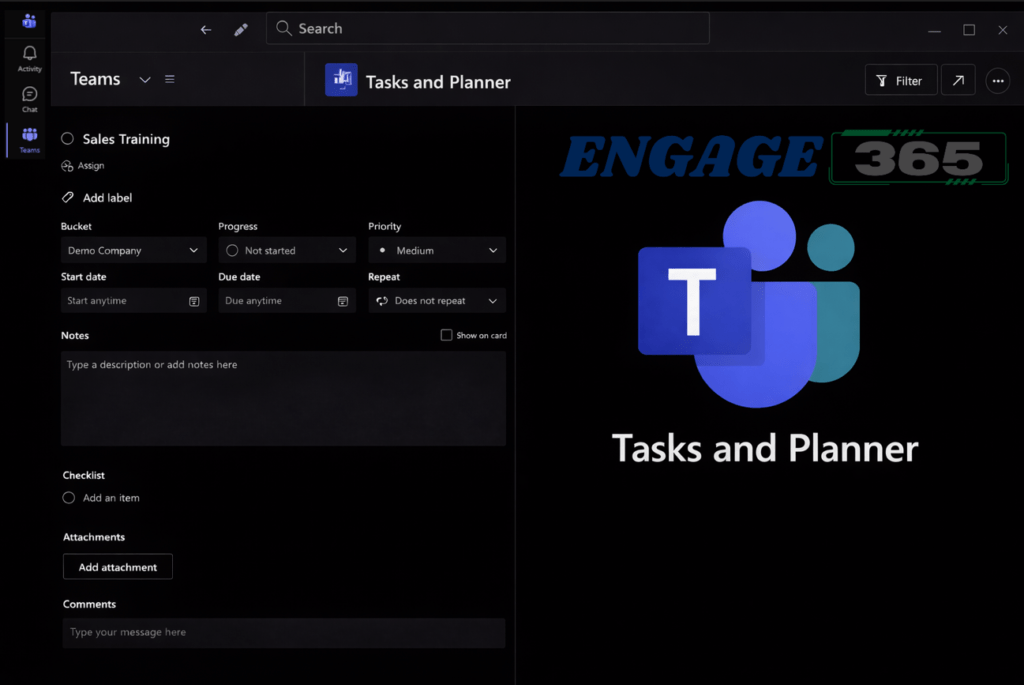
Tasks & Planner

Task Management & Planning with Microsoft Planner

Every business runs on tasks — work that needs to be planned, assigned, tracked, and completed. The question is: how are you managing this today?
 
Are you using third‑party task or planning tools while Microsoft 365 already provides powerful task management capabilities as part of your existing licence?
 
At Engage365, we help organisations implement a structured approach to task management and planning using Microsoft Planner and Tasks within Microsoft 365. We design task structures that align with your teams, departments, and processes, ensuring that work is visible, prioritised, and properly tracked.
 
Our task and planning setups include:
  • Clearly defined task lists and plans
  • Recurring tasks for ongoing responsibilities
  • Task priorities and checklists
  • Start dates and due dates for better planning
  • File and document attachments linked directly to tasks

This creates a single, central view of work that needs to be done — eliminating uncertainty and reducing missed deadlines.  Managers gain better oversight, and teams have clarity on what is expected of them and when. By implementing task management correctly within Microsoft 365, we help organisations improve accountability, increase productivity, and ensure that planning is no longer an afterthought but a structured part of daily operations.
 
Let us help you turn tasks and planning into a clear, efficient, and manageable process using the tools you already have.

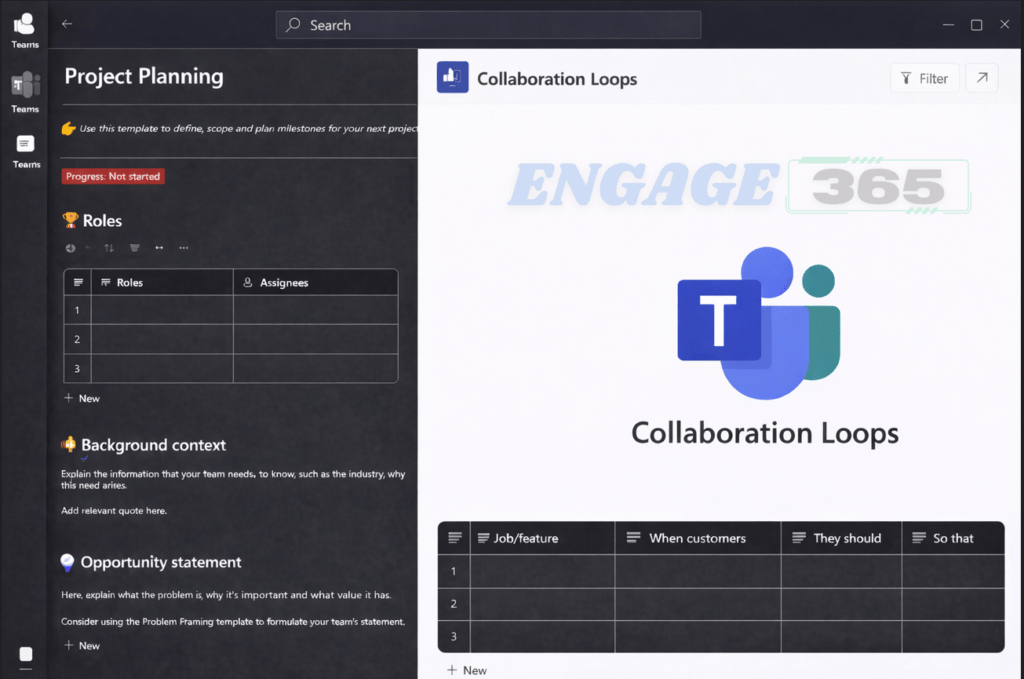
Collaboration and Loop

Project Planning & Collaboration with Microsoft Loop

Do you need to plan projects more effectively and keep everyone aligned from the start?
 
When new projects are introduced, it’s a best practice to create a central project document that defines scope, responsibilities, timelines, and expectations — especially when working across multiple teams or stakeholders.
 
Microsoft Loop provides a flexible and powerful way to do exactly that.
 
At Engage365, we help organisations use Microsoft Loop to build structured, shared planning documents that teams can collaborate on in real time. Loop allows you to create living documents that stay connected across Microsoft 365, ensuring everyone works from the same source of truth.
 
 
Loop comes with a range of ready‑to‑use templates — not only for project planning, but for many everyday business needs. More importantly, it allows you to create a standardised structure that your organisation can reuse across projects and departments.
 
With Loop, you can:
  • Create structured project planning documents
  • Invite team members from across your organisation into shared Loop content
  • Track project progress and related tasks collaboratively
  • Keep planning, notes, and decisions connected in one place
  • Ensure consistency across all projects
Because Loop content is dynamic, teams can collaborate seamlessly within Microsoft Loop while staying connected to the rest of the Microsoft 365 ecosystem.
 
We help you design and implement Loop structures that promote standardisation, visibility, and productivity, making it easier for teams to plan, collaborate, and execute work efficiently.

We sell relationships not products

At Engage365, we don’t sell products — we deliver solutions. Our approach goes beyond simply providing technology and walking away.

We partner with our clients, working alongside them to implement structure, enable best practices, and develop systems that truly support how their business operates. We believe digitisation is a journey, not a once‑off transaction. That’s why we build long‑term relationships, helping organisations grow, adapt, and succeed in an ever‑evolving digital environment.


Engage365 is committed to walking the road to digitisation with you — designing solutions that work for your business today, while laying the foundation for tomorrow

Power Apps Development:

Every organisation has unique processes — and not all of them fit neatly into out‑of‑the‑box tools.

At Engage365, we design and develop custom business applications using Microsoft Power Apps, tailored specifically to your organisation’s processes and operational needs. These applications are built to simplify work, improve productivity, and enhance collaboration across teams.

As part of the digitisation journey within Microsoft Teams and Microsoft 365, we identify opportunities where business processes can be transformed into user‑friendly applications. Whether it’s capturing information, managing requests, tracking processes, or improving visibility, Power Apps allows us to turn manual or fragmented workflows into structured, efficient solutions. Our Power Apps solutions are: Designed around your business processes Integrated seamlessly into Microsoft Teams and Microsoft 365 Secure, scalable, and easy to use

Built to improve efficiency and collaboration By implementing custom applications, we help organisations work smarter, reduce manual effort, and gain better control over their processes — all using the Microsoft platform you already own.

If you’d like to explore how custom Power Apps can support your business, you know what to do.

Training, Adoption & Change Management

Successful digital transformation is not only about technology — it’s about people.

Change management plays a critical role in the successful adoption of Microsoft 365 and Microsoft Teams within any organisation. At Engage365, we don’t simply implement solutions and expect users to figure them out on their own. We support your organisation throughout the entire journey.

Once the Microsoft Teams structure has been developed and departmental files have been migrated into the new environment, we begin with foundational training. This ensures that users understand the structure, know where to work, and feel confident using the platform from day one. From there, we provide ongoing training and enablement, helping users continuously adapt as the organisation evolves and new capabilities are introduced. This approach drives adoption, reduces resistance to change, and ensures the platform is used as intended. We also provide dedicated support, with multiple team members available to assist users who may be struggling or need guidance. Whether it’s a simple question or hands‑on assistance, help is always available.

As we’ve said before — we walk the road with you. From implementation and training to adoption and support, Engage365 partners with your organisation every step of the way to ensure lasting success.

Giving you a seamless and stable experience.

We handle licensing, permissions, security policies, backups, and integrations.

Book a Demo